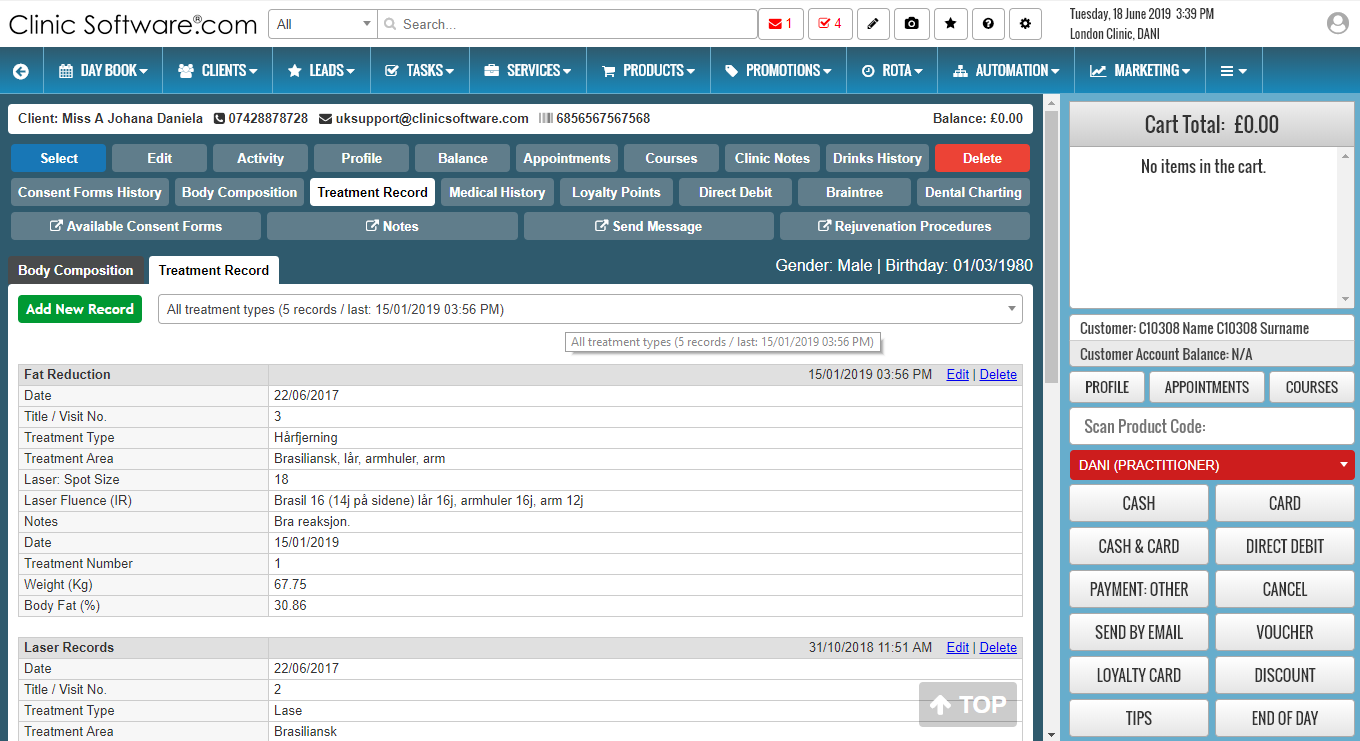
From this page you can keep manage laser treatment records (visit, date, machine specifications and notes).
Viewing treatment record entries
You can access the treatment entry you require by selecting it from the “Selected Entry:” drop box at the top of the page.

Adding entries into the treatment record
To add a new treatment entry press the “Add New Record” button located at the top of the page. Fill in the fields and press the “Save Entry” button.

Updating treatment record entries
To update an entry, first select it from the “Selected Entry:” drop box, make the necessary changes and then press the “Update Entry” button located at the bottom of the page (scroll down).
Exporting the treatment record to Microsoft Excel
You can export the treatment record entries by pressing on the “Export” button located at the bottom of the page (scroll down).
Deleting treatment record entries
To delete an entry, first select it from the “Selected Entry:” drop box then press the “Delete Entry” button (scroll down).
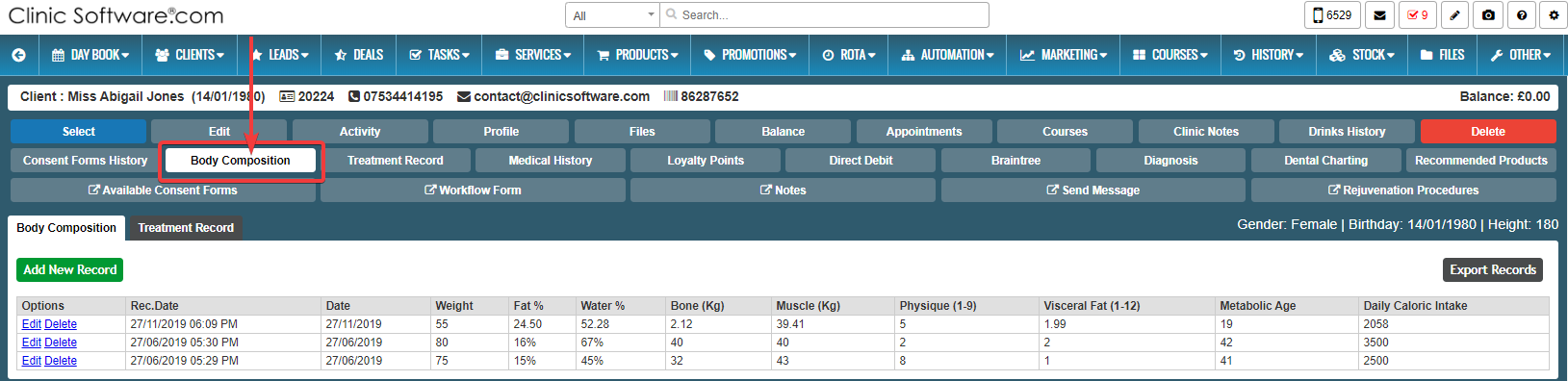
BODY COMPOSITION is very popular for fat remover treatments.
If you want to track records for body fat remover treatment press the “Body Composition” button.