
From this page you can set up the commissions of services, courses, products and patch tests for each individual staff.
The entries are used in the “Commissions Sheets” report when the “Commission Settings” parameter is set to “Staff Commissions”.

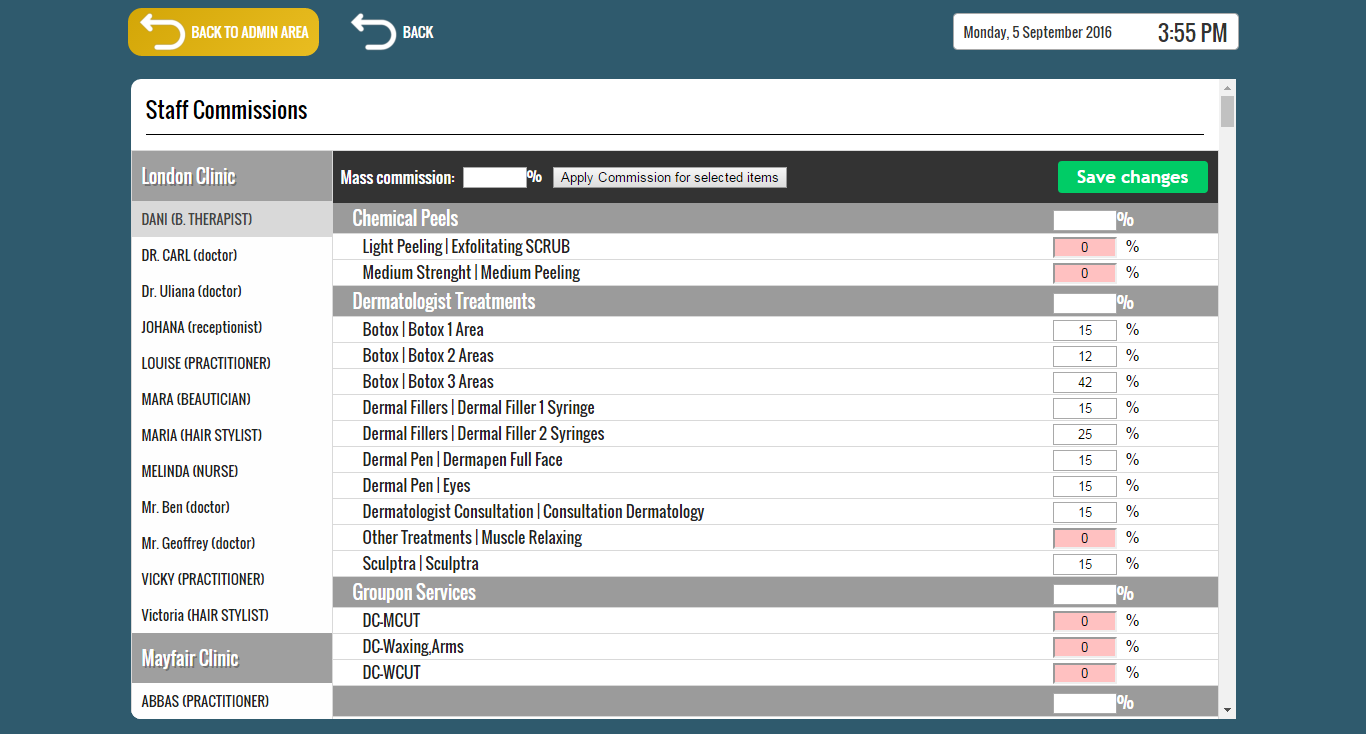
The commissions are set for each staff individually.
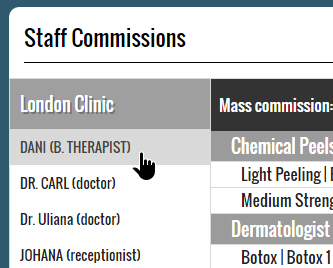
To select the staff, click on the staff name from the left column.
In the right column we can set the commission percentage for each treatment or product.
Type the commission into each treatment/product’s commission input (scroll down to see all the list) and then press the “Save changes” button from the top right section.


You can also type the commission in the category input and all of its items will copy its value.

You can also select multiple items at once by holding the “Ctrl” key and clicking on the items or by dragging a selection box with the mouse.
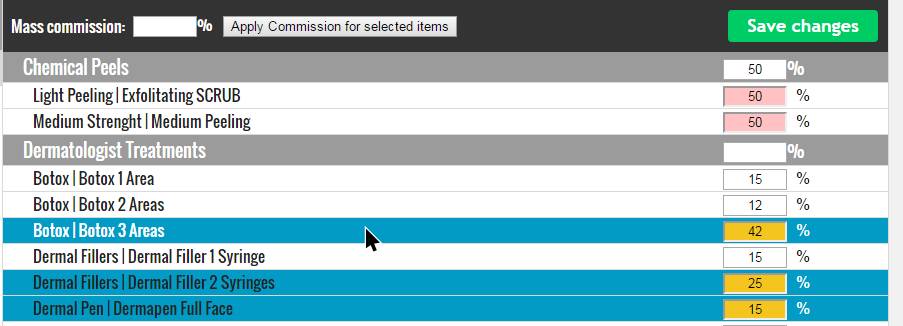
Select multiple items by holding down the “Ctrl” key.
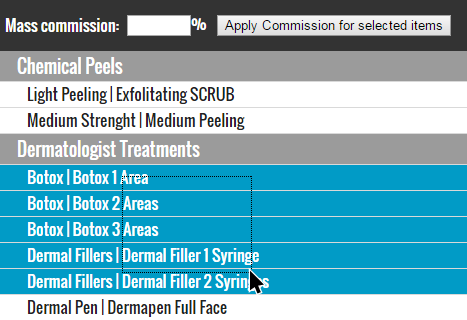
Select multiple items by dragging (hold left click and move cursor) a selection box with the mouse
Once you have selected the items, use the “Mass commission” field to apply the commission value to the selected items.

Save the commission settings by pressing the “Save changes” button.
