
• Home

ClinicSoftware.com Knowledge Base ClinicSoftware.com Knowledge Base

ClinicSoftware.com Knowledge Base

  • HOW IT WORKS
    • Software Features
    • Marketing Features
    • Online Booking
    • Paperless Features
    • Photo And Draw Features
    • Tracking Features
    • Sell Cycle Features
    • Fully Responsive Features
    • Business Reports Features
    • Automated Features
    • Reminders Features
    • Apps Features
    • Multi Location Features
    • Add-Ons
  • WHO IT’S FOR
  • MARKETING
  • MORE
    • Support
    • Find-Us
    • Migrate To ClinicSoftware
    • How We Provide Training
    • Partner With Us
    • Academy
    • Support Chat
    • Blog
    • Editions
    • ClinicSoftware.com TV
    • GDPR
    • ICD-10 Database
    • PCI-DSS Compliant
    • Cloud Hosting
    • Latest UK Shows
    • UK Press
  • Modern Edition
  • CLOSE / RETURN TO SOFTWARE
Home Knowledge Base 9.2.1 CLIENTS MEDICAL HISTORY

MEDICAL HISTORY

25th March 2020 Posted in: 9.2.1 CLIENTS Hits: 457

From this page you can see the medical history of your client.
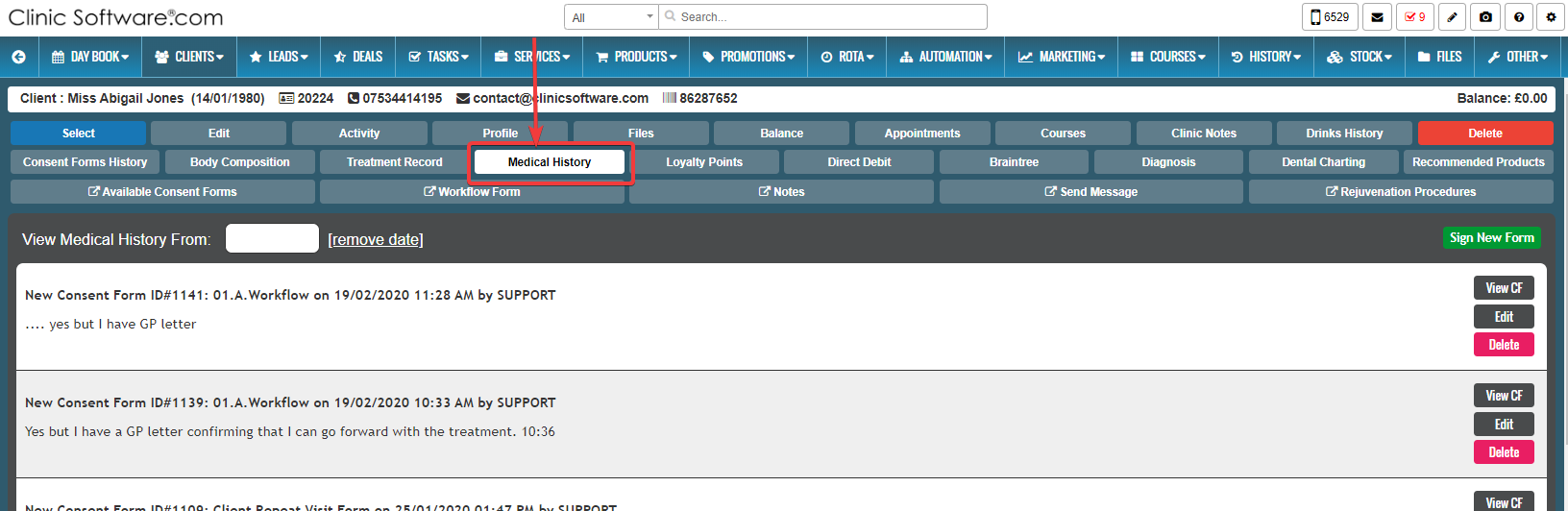
Here you have the capability to view, edit or delete an existing consent form of your client.

1.To view an existing consent form press the “View CF” button.

2.To edit an existing consent form press the “Edit” button.

3.To delete an existing consent form press the “Delete” button.


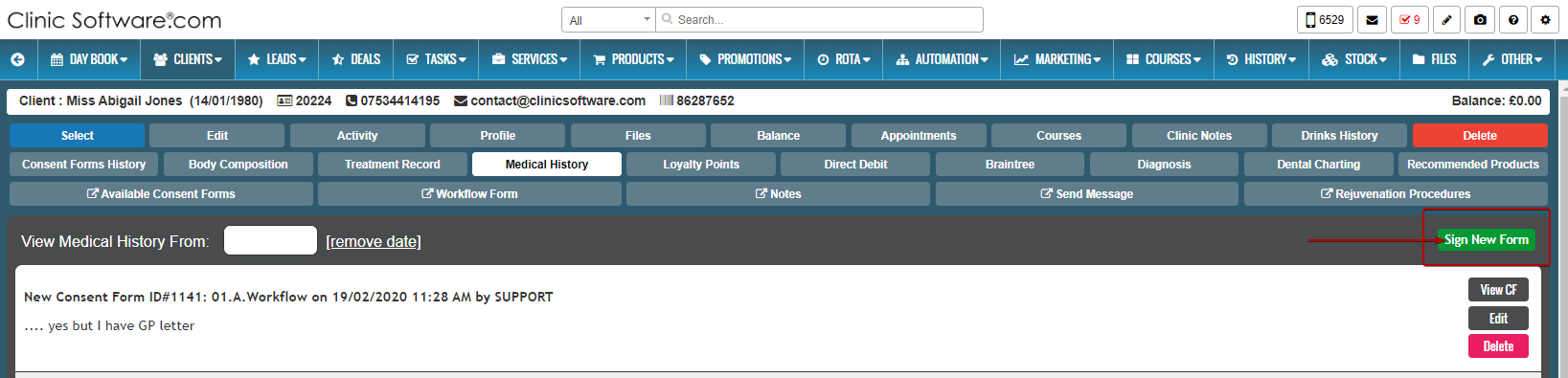
You can sign new form by pressing the “Sign New Form” button. 
 

© 2017 ClinicSoftware.com